Meta Quest 3S
Easy Lower-cost standalone viewing
- Playback
- Browser streaming, DeoVR, Skybox, downloads
- Resolution
- 1832 x 1920 per eye
- Price
- $349.99+
- FOV
- 96° H / 90° V
- Weight
- 514 g

Guides for every VR headset
So, welcome to the best complete step-by-step guide to watching Virtual Reality Porn. This how to watch VR porn guide will assume that you have already bought your first VR headset, and so will provide tips on how to access and enjoy VR porn.
In addition, we have also covered ➜ the best VR Porn Sites to give you a low-down on which site might be best for you to start with.
If you don't have a VR Headset and are not sure which one to buy, ➜ check out this article.
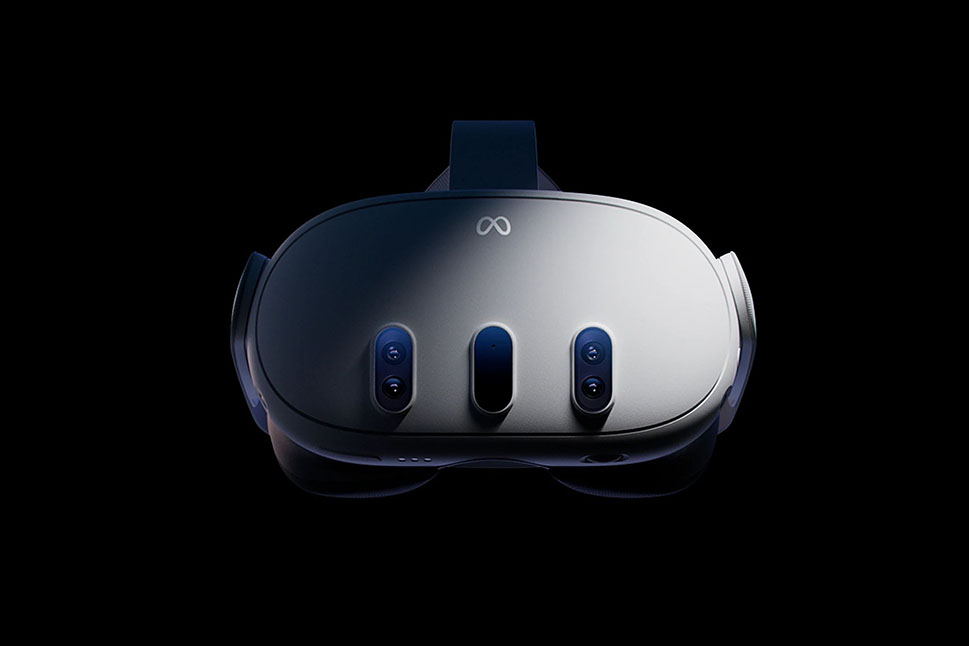
Best headset for VR porn in 2026
Wireless, sharp, easy to set up, and supported by almost every major VR porn site.
The strongest all-around current pick: wireless, sharp pancake optics, broad site support, and the top headset in SteamVR usage.
Open Guide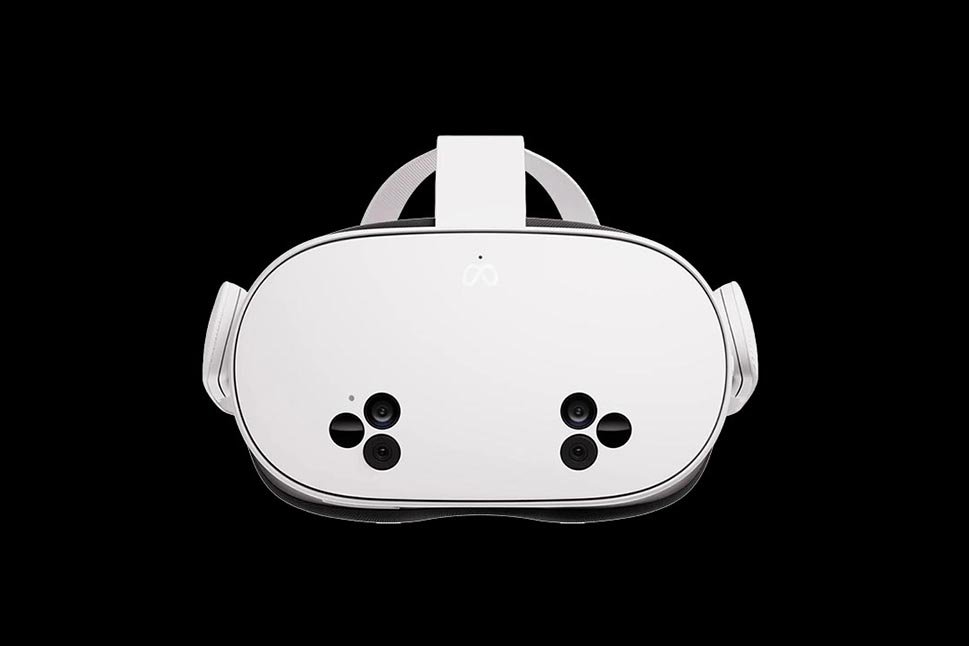
The most important current entry-level Quest guide for new buyers who want modern standalone playback without Quest 3 pricing.
Open Guide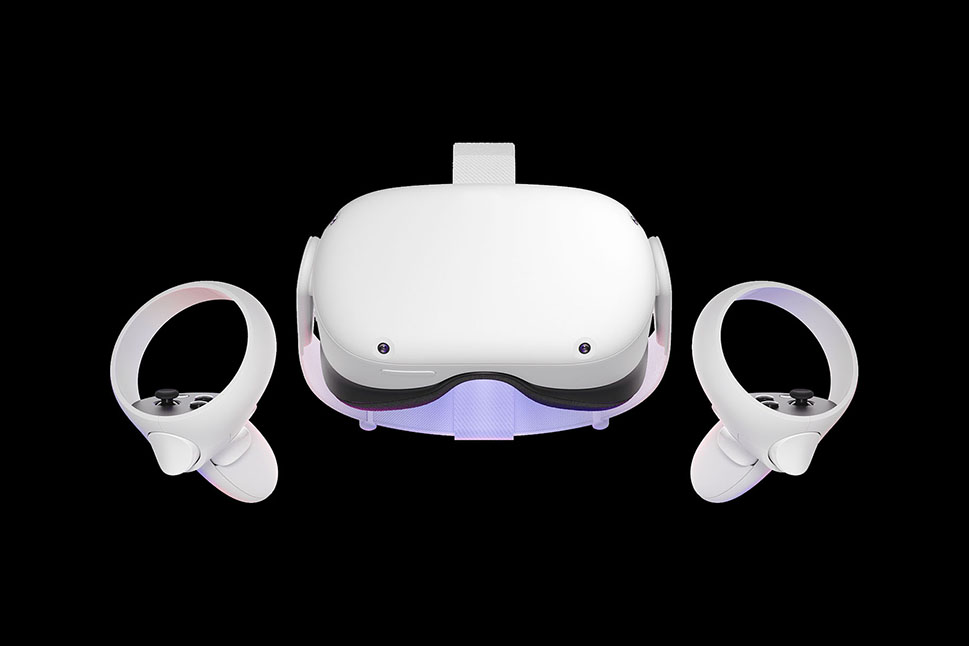
Older, but still one of the biggest installed bases. Many users already own one and only need the right browser or player setup.
Open Guide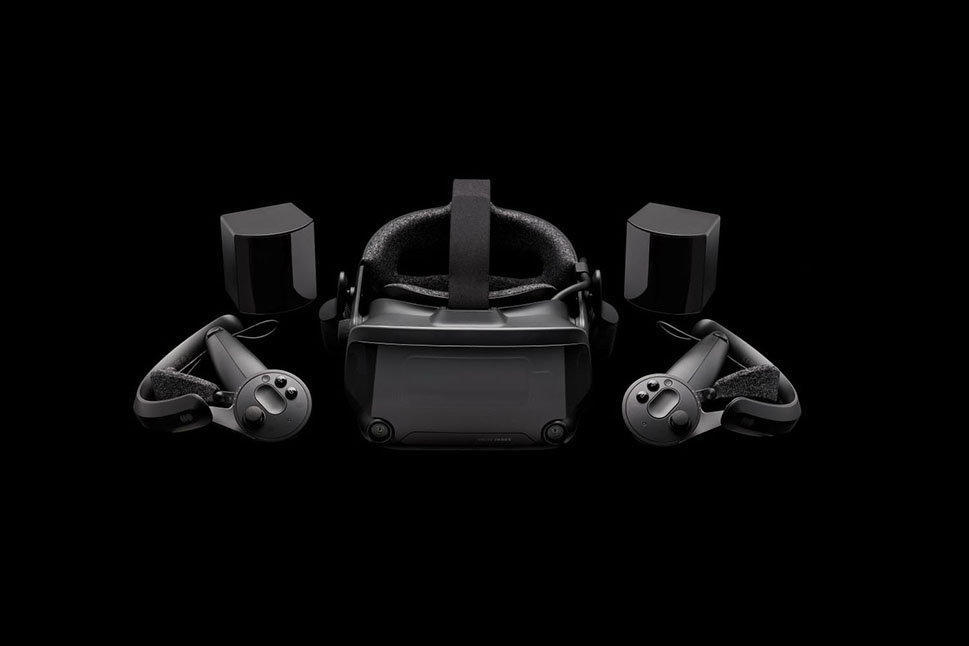
Still a major SteamVR headset and a useful guide for PCVR downloads, SteamVR players, and tethered headset workflows.
Open Guide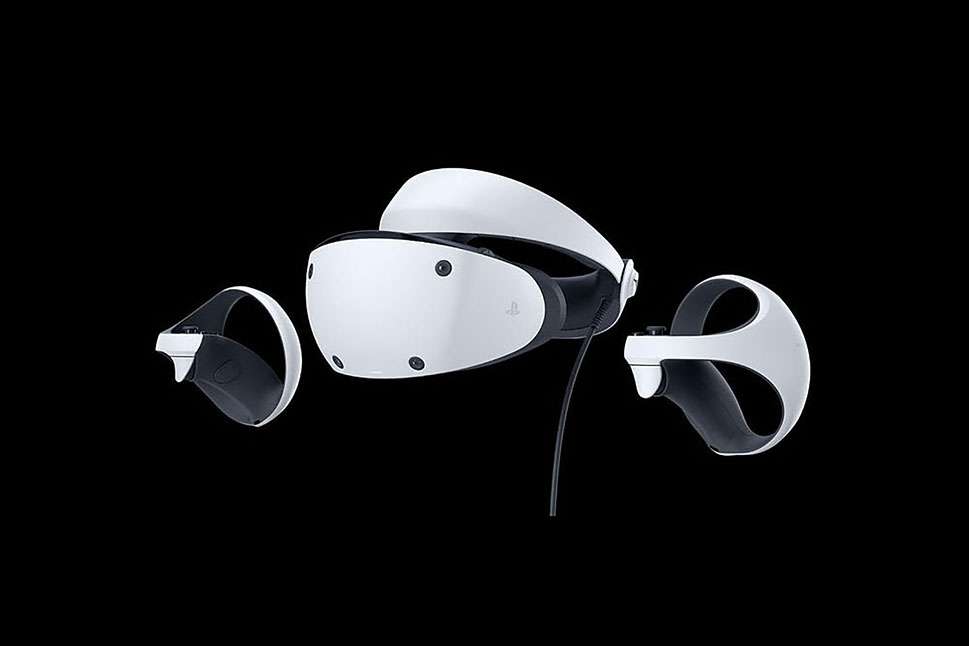
Important because PSVR2 setup is high-intent and more complicated, especially now that the PC adapter route exists.
Open Guide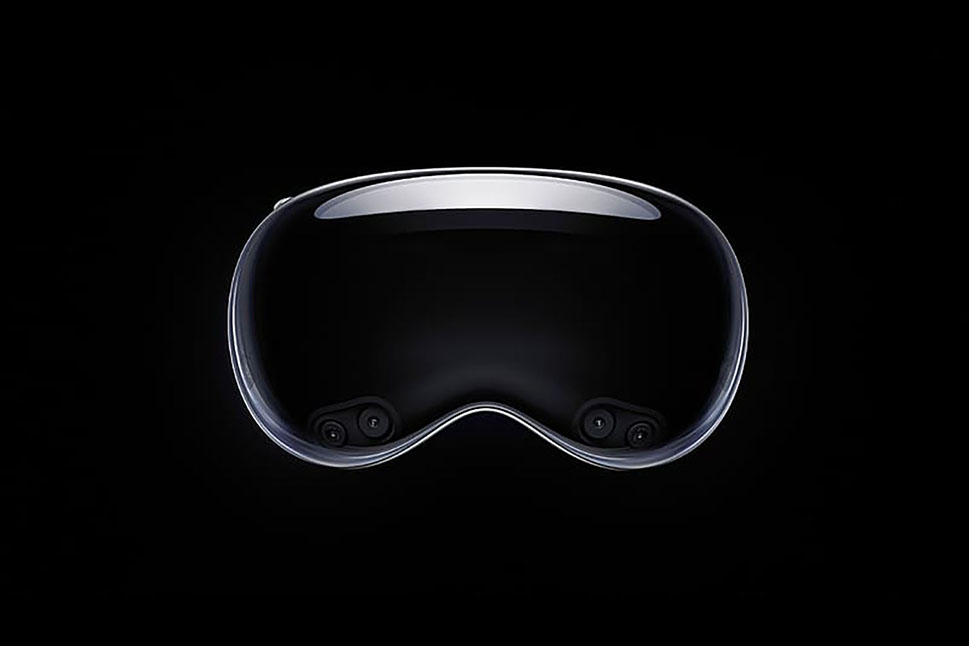
Not a mass-market headset, but a high-value premium guide because Vision Pro users search for Safari, spatial, and playback support.
Open GuideFilter by headset family, or browse every setup guide in the recommended order.
31 guides shown
Every headset guide in one view.

Wireless standalone with sharper pancake optics, full-color passthrough and broad VR porn site support. The default recommendation for most users in 2026.
Open Guide
Budget standalone with the Quest 3 chipset and software but the older Quest 2 lenses. Cheapest entry to the modern Meta ecosystem.
Open Guide
The headset that brought standalone VR mainstream. Still widely supported by VR porn sites, with Browser, DeoVR and Skybox the common playback paths.
Open Guide
Apple Vision Pro runs visionOS, plays VR porn through Safari and a small set of dedicated apps, and delivers some of the sharpest panel quality currently available.
Open Guide
Apple's next Vision Pro generation (M5 chip, refreshed strap). Same visionOS playback path; expect tighter performance and battery rather than a new ecosystem.
Open Guide
Samsung's Android XR headset, co-developed with Google and Qualcomm. Direct competitor to Vision Pro at a lower price; runs Android XR apps.
Open Guide
Sony's PS5 VR headset. OLED panels, eye tracking, and console-first setup. Now also has an official PC adapter, opening up SteamVR.
Open Guide
Valve Index is a high-refresh, wide-FOV tethered PCVR headset with the most refined SteamVR experience. Strong VR porn pick if you have a gaming PC.
Open Guide
Custom-fit, ultralight tethered PCVR headset built around micro-OLED panels. Aimed at PCVR enthusiasts who want clarity over standalone convenience.
Open Guide
Boutique tethered PCVR headset using micro-OLED displays and a custom face cushion. Plays VR porn through SteamVR with apps like DeoVR or Heresphere.
Open Guide
Higher-spec PICO 4 with stronger passthrough and a faster chipset. Same VR porn playback options as PICO 4.
Open Guide
PICO 4 is ByteDance’s standalone Quest competitor. Pancake optics, slim profile, supports DeoVR and Skybox. Limited US availability.
Open Guide
Pimax headsets (Crystal, 8K series) are wide-FOV tethered PCVR. The closest thing to peripheral-vision VR porn, but require a strong PC.
Open Guide
HP Reverb G2 is a Windows Mixed Reality PCVR headset with sharp panels. Now harder to set up since Microsoft deprecated WMR — covered in the guide.
Open Guide
The original HTC Vive line (Vive, Vive Pro). Tethered PCVR with SteamVR support. Still capable for VR porn playback if you have the PC for it.
Open Guide
Tethered PCVR headsets — Rift CV1 and Rift S. Discontinued, but still serviceable for SteamVR-based VR porn playback if you own one.
Open Guide
Meta's high-end Quest with mixed-reality passthrough and pancake lenses. Discontinued for consumers, but capable for VR porn through Browser or Quest apps.
Open Guide
Same hardware as Meta Quest 2 (the brand was renamed mid-life). Use this guide if you bought yours under the Oculus branding.
Open Guide
The original 2019 Quest under its Oculus branding. Identical to the Meta Quest guide; included for users searching the older name.
Open Guide
Oculus Go is discontinued and no longer receives updates. Still plays sideloaded video if you own one, but Meta's Quest line replaced it.
Open Guide
The original PlayStation VR for PS4. Still works with a PS5 via the camera adapter; software support for VR porn is limited but functional.
Open Guide
How to watch basic VR porn with just a phone and a cardboard or plastic viewer. Limited to 180/360 video, no head tracking depth.
Open Guide
Google's discontinued phone-in-a-folder VR viewer. Still works for basic 180/360 video playback if you only have a phone and want to test VR porn.
Open Guide
Samsung Gear VR is discontinued (it required older Galaxy phones and the Oculus mobile platform). Listed for users still owning the hardware.
Open Guide
Google's discontinued mobile VR platform. No active software support; only useful if you already own a Daydream-compatible Pixel and a Daydream View headset.
Open Guide
Microsoft's Windows Mixed Reality platform was discontinued in Windows 11. WMR headsets (Reverb G2, Odyssey+) need workarounds — see the guide.
Open Guide
Samsung Odyssey and Odyssey+ were Windows Mixed Reality PCVR headsets. WMR support was removed from Windows 11 — see the guide for workarounds.
Open Guide
Pico Neo 3 Link is a wired PCVR variant of the Neo 3. Plays SteamVR VR porn through a USB-C tether to a gaming PC.
Open Guide
Shiftall MeganeX is a Japanese boutique tethered PCVR headset with micro-OLED panels and a glasses-like form factor.
Open Guide
Compact tethered headset designed for media. Pairs with an Android phone or PC; works for 180/360 VR porn but lacks 6DoF tracking and controllers.
Open Guide
Valve's rumoured next-gen successor to Index. Treat anything beyond official Valve announcements as speculation.
Open GuideCompare practical playback paths, setup difficulty, comfort, price, and core specs before opening a device guide.
Lower-cost standalone viewing
Best all-around current pick
PS5 owners checking workarounds
Quest alternative in supported regions
Premium Android XR users
Premium optics and spatial video
| Headset | Best For | Playback Path | Setup | Core Specs | Price |
|---|---|---|---|---|---|
| Meta Quest 3S | Lower-cost standalone viewing | Browser streaming, DeoVR, Skybox, downloads | Easy | 1832 x 1920 per eye FOV: 96° H / 90° V | Weight: 514 g | $349.99+ |
| Meta Quest 3 | Best all-around current pick | Browser streaming, DeoVR, Skybox, HereSphere | Easy | 2064 x 2208 per eye FOV: 110° H / 96° V | Weight: 515 g | $599.99 |
| PlayStation VR2 | PS5 owners checking workarounds | Limited native options, PC adapter routes vary | Advanced | 2000 x 2040 per eye FOV: Approx. 110° | Weight: Approx. 560 g | $399.99 |
| PICO 4 Ultra | Quest alternative in supported regions | Browser streaming, local playback apps, downloads | Moderate | 2160 x 2160 per eye FOV: 105° | Weight: 580 g | Regional |
| Samsung Galaxy XR | Premium Android XR users | Browser streaming and Android XR apps | Moderate | 3552 x 3840 per eye FOV: 109° H / 100° V | Weight: 545 g | $1,799.99 |
| Apple Vision Pro | Premium optics and spatial video | Safari streaming, spatial browser workflows, downloads | Moderate | 23M pixels total FOV: Not disclosed | Weight: 750-800 g | $3,499+ |
Specs and prices checked April 2026. Prices are starting or list prices where available. Apple does not publish Vision Pro FOV, and PICO 4 Ultra availability varies by region. Setup ratings describe how much extra app, cable, or workaround work most users should expect.
VRPornMania built this hub to get VR porn working on the headset you already own. Start with the exact device guide above, then use these setup notes for the choices that repeat across Quest, PCVR, PSVR, Pico, Apple, Android XR, and phone viewers.
If you do not own a headset yet, compare the current standalone, PCVR, Apple/XR, PlayStation, Pico, and phone options in the guide list. If you already have hardware, open the matching guide before you subscribe to a site.
Use a simple order: identify the headset, confirm the browser or player app, test one free preview, then pay only when playback looks correct. This avoids buying a membership before checking WebXR support, file format support, or local storage space.
Most modern standalone headsets work fastest through the built-in browser. Quest users should start with the Meta Quest 3 porn guide or the Meta Quest 3S porn guide. PCVR users should start with Valve Index porn setup because that route explains the SteamVR playback pattern that also applies to many tethered headsets.
VRPornMania treats streaming as the easiest route and downloads as the quality route. Streaming starts faster and needs less storage. Downloads usually look cleaner because the bitrate is higher, but they need more space, a compatible player, and the correct projection settings.
| Playback method | Best for | Watch out for |
|---|---|---|
| Browser streaming | Quest, Pico, Apple Vision, Galaxy XR | Browser compatibility and network speed |
| App streaming | DeoVR or site apps where supported | Login flow and app availability |
| Downloaded files | Highest image quality on Quest and PCVR | Storage space, file size, and projection mode |
| Phone viewer playback | Cardboard, Gear VR, smartphone shells | Lower comfort and weaker controls |
Use streaming when you want the fewest steps. Use downloads when the stream looks blurry, buffers often, or fails to hold the correct 180-degree side-by-side view.
Match the player to the headset instead of forcing one app everywhere. DeoVR is common for direct VR site playback. Skybox and HereSphere are strong local-file options. Browser playback is still the fastest test path on most standalone headsets.
Quest users can usually start in the browser, then move to DeoVR, Skybox, or HereSphere. PCVR users should expect a SteamVR workflow. Apple Vision Pro and Galaxy XR users need more patience because adult VR playback depends heavily on browser support and available app routes.
For site choice, start with the best VR porn sites ranking. A good site should make headset instructions easy to find, offer preview clips, and label download formats clearly.
Treat privacy and comfort as part of setup, not as afterthoughts. Clear browser history if needed, use device locks, keep payment accounts separate from shared profiles, and clean the facial interface if anyone else uses the headset.
Comfort matters too. Recenter the view from your real watching position. Lower brightness if your eyes get tired. Stop if you feel motion sickness, heat buildup, nausea, or neck strain. A better strap, softer facial interface, or shorter session can make more difference than a higher-resolution file.
Most VR porn setup problems come from the same few causes: wrong projection mode, weak Wi-Fi, unsupported file format, low storage, and browser playback that opens as a flat video instead of VR. Fix those first before blaming the site.
If the video looks split or distorted, switch between 180-degree side-by-side, 360-degree side-by-side, and flat mode. If streaming stutters, test a lower quality first. If downloads fail, check storage and file format. If the view faces the wrong direction, recenter inside the headset and inside the player app.
Older hardware needs extra patience. Google Cardboard, Samsung Gear VR, Oculus Go, and Windows Mixed Reality can still work, but current Quest and PCVR setups are much easier.
Use this page as the central device map. Pair it with the headset guides, site reviews, and category pages when you want a working setup instead of scattered advice.